Early years foundation stage
(EYFS)
Key Documents
Little Wandle Phonics
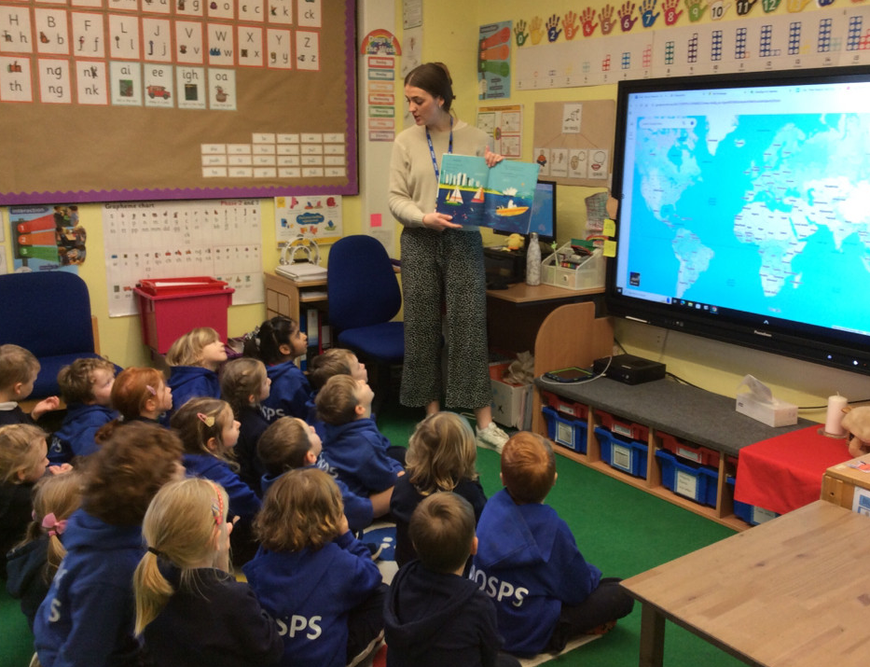
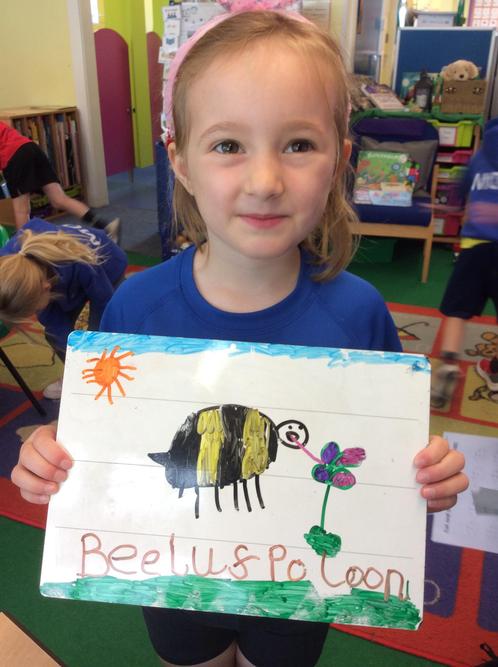
At MOSPS, we teach children phonics through the Little Wandle Letters and Sounds Revised programme. Phonics begins in Reception where your child will be taught Phases 2, 3 and 4. Children have daily taught phonics lessons using the Little Wandle grapheme cards, word cards and resources. Alongside learning new graphemes, children are taught mnemonics and phrases to support them in remembering each phoneme.
We would highly recommend visiting the ‘Little Wandle’ parent page for further information on how we teach phonics to your child/children and how you can support them further at home. There are also some helpful videos on the parent pages.
Communication from school
At MOSPS we feel that good communication between the home and the school is essential for a child’s wellbeing.

Tapestry is a secure online Learning Journal to record photos, observations and comments, in line with the Early Years Foundation Stage curriculum, to build up a record of your child’s experiences during their time with us. This system allows us to work with parents and carers to share information and record the children’s play and learning in and outside of the classroom. You may be familiar with Tapestry from a previous preschool/ nursery setting.
What is the learning journal?
A learning journal is a record of each child’s learning and shows snapshots of children’s achievements and progress in relation to the EYFS. Not every activity they do will be recorded as a rough guide there should be a new entry on each week. Sometimes more sometimes less!
Help
Download and login links as well as tutorials for parents/ carers can be found here.

We use a communication system called Arbor throughout all year groups to send important messages and updates to parents.
The Parent Portal allows parents to manage their child’s school activities, including monitoring their attendance and booking parents evening appointments. Parents are also be able to update their child’s profile with important information e.g. contact details, home address, medical conditions, allergies/dietary requirements etc. It is vital that parents keep their child’s profile and their own contact details up to date within Arbor.
To download the Arbor app on IOS, please click here.
To download the Arbor app on Android, please click here.
Help
This article is a helpful instruction guide for parents logging into the Parent Portal or Parent App for the first time.
For more troubleshooting and FAQs, please click here to view Arbor’s help centre for parents.